Print multiple ID photos on one sheet
Passport Photo Maker can arrange multiple copies on a 6×4 inch sheet.
- Prepare one photo and check its selected size and framing.
- Use the app’s multiple-copy layout and inspect the export preview.
- Provide the layout to a print shop or printer and specify 6×4 inch paper.
- Check print scaling: “fit to page” can change the photo size. Print one test sheet and measure an individual photo before printing more.
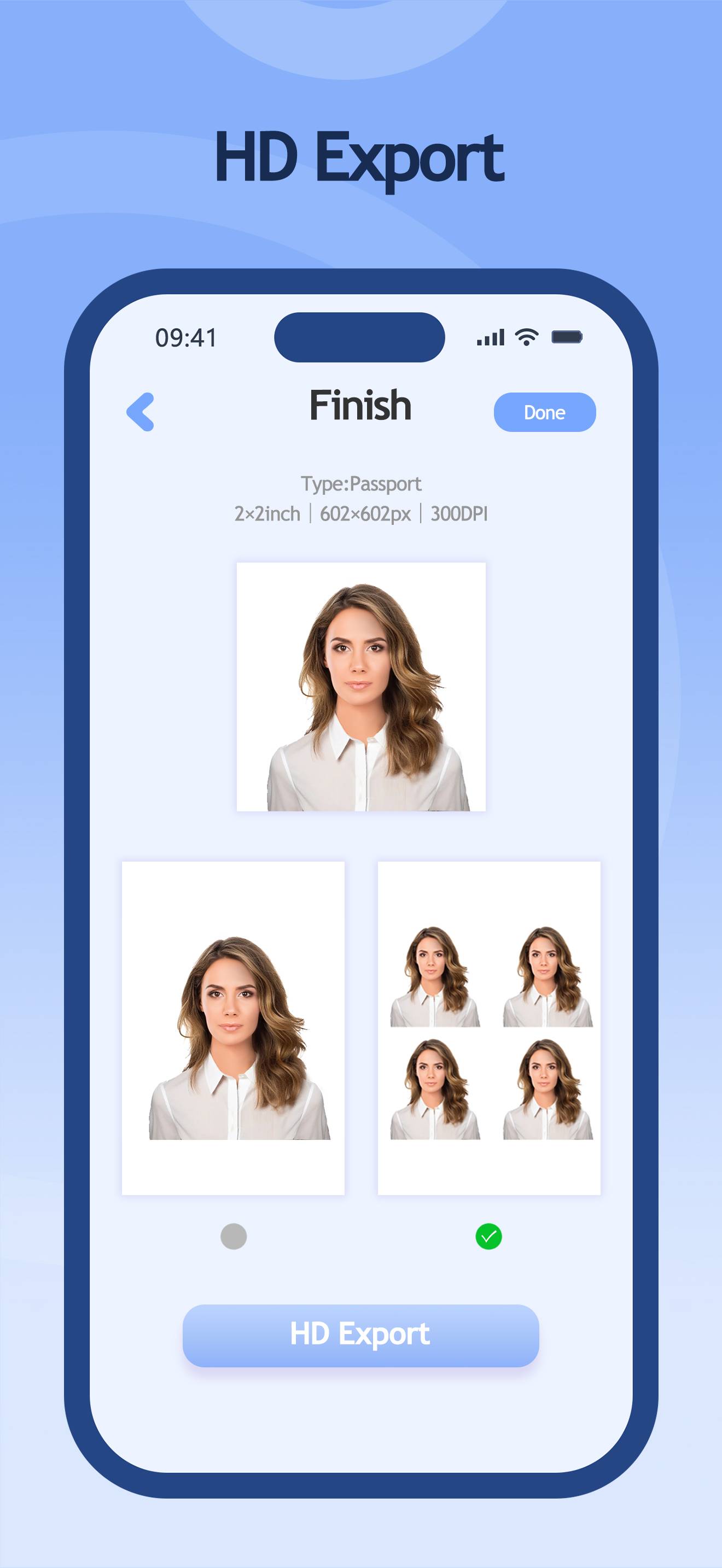
Sheet size and individual photo size
6×4 inches is the paper size, not the size of each ID photo. The number of copies depends on the individual dimensions and layout. A print layout does not verify application compliance.