
Mei ID Photo – free ID & passport photos on iOS and Android
Passport Photo Maker is a free ID and passport photo app for iOS and Android that creates photos in three steps. It has built-in size presets for multiple countries, one-tap AI background removal, and free high-resolution export after watching an ad.


- Platforms
- iOS (App Store) and Android (Google Play)
- Price
- Free, ad-supported. HD export unlocked by watching an ad. No subscription, no in-app purchases.
- Category
- Photography
- Core use
- Passport, visa, student ID, resume/CV, graduation, and driver's license photos
- App languages
- iOS 2.9.7: Simplified Chinese in the domestic edition; Simplified Chinese, Traditional Chinese (Taiwan / Hong Kong), English, German, Russian and Italian in the international edition. Android: English, Simplified Chinese, Traditional Chinese, Russian, German and Italian.
What Passport Photo Maker does
Passport Photo Maker turns a phone photo into a photo sized for your chosen preset. You pick a size, capture or upload a photo, and set the background color; the app removes the original background with AI and exports a high-resolution image. It is designed to be usable without any photo-editing experience.
Find the same app in the stores
Mei ID Photo (小美证件照), introduced here as Passport Photo Maker, uses different listing names by store and region. Use these official links to identify the app.
- U.S. App Store: ID Photo: Passport Photo Maker
- Mainland China App Store: 小美证件照制作换底色,电子一寸照片生成器,AI随拍最美相机
- Google Play: ID Photo Passport Photo Maker
iOS seller: 泽沛 许. Google Play publisher: Malt Creative. The stores list different publishers.
Supported photo types
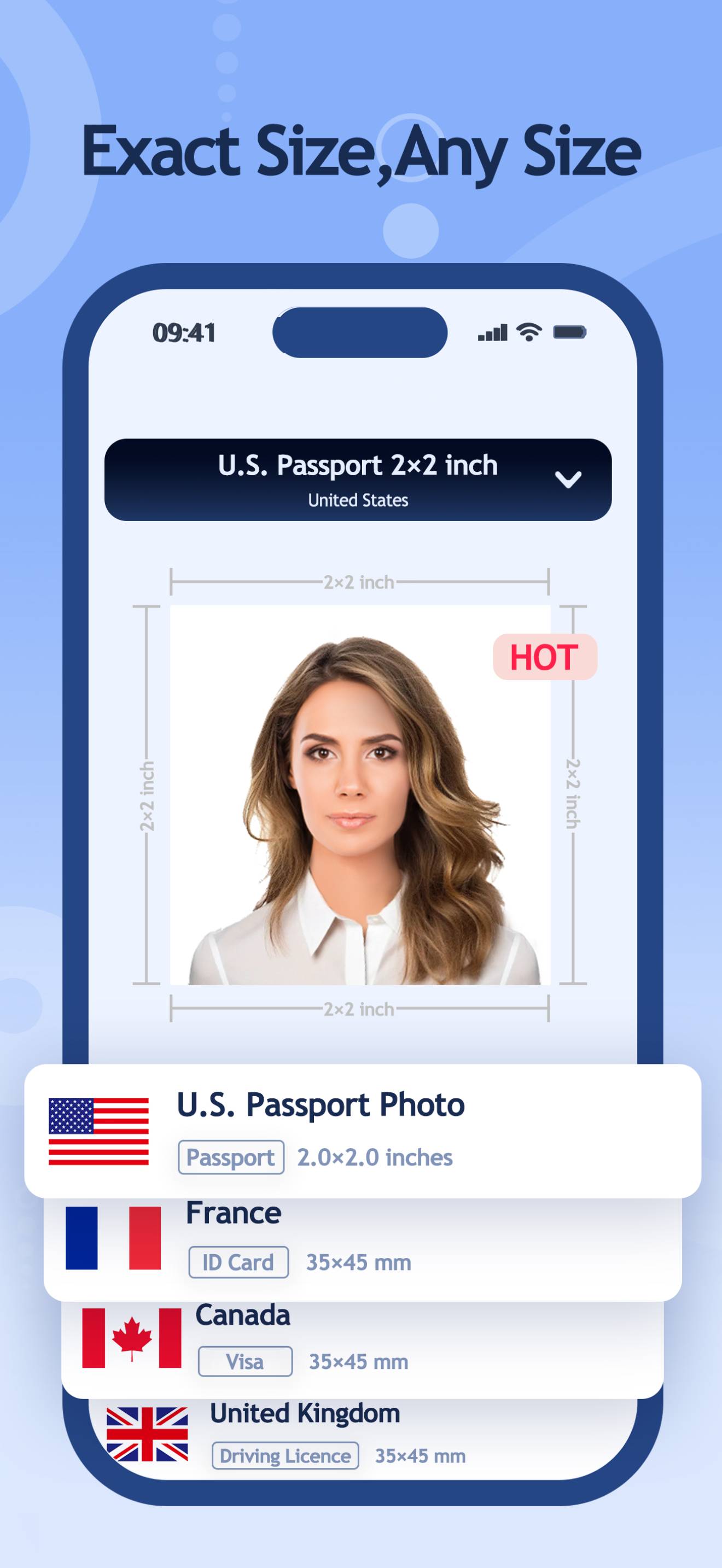
- Passports and visas: Passport, baby passport, e-passport, online passport, visa, e-visa, visa-on-arrival and Schengen visa photos. Country options include the United States, United Kingdom, Canada, Australia, New Zealand, Japan, South Korea, Singapore, Germany, France, Italy, India and Russia.
- Identity and travel documents: National ID cards, Hong Kong identity cards, HKSAR passports, Home Return Permits, APEC Business Travel Cards, OCI cards and permanent resident cards.
- Driving and residence documents: Driving licences, international driver's licences, residence cards, residence permits and work permit photos.
- Student, work and personal uses: Student IDs, school admission photos, company IDs, resume and CV photos, government job applications, health insurance cards, medical certificates and disability cards.
Options vary by region and app version. The China-focused edition also includes Chinese civil-service, teaching, accounting, medical and other exam application photos. Custom dimensions are supported.
Photo guides
Prepare a photo · Print multiple copies
Key features
- Multiple photo types: passport, visa, ID, driving licence, student ID and resume photos, plus custom dimensions.
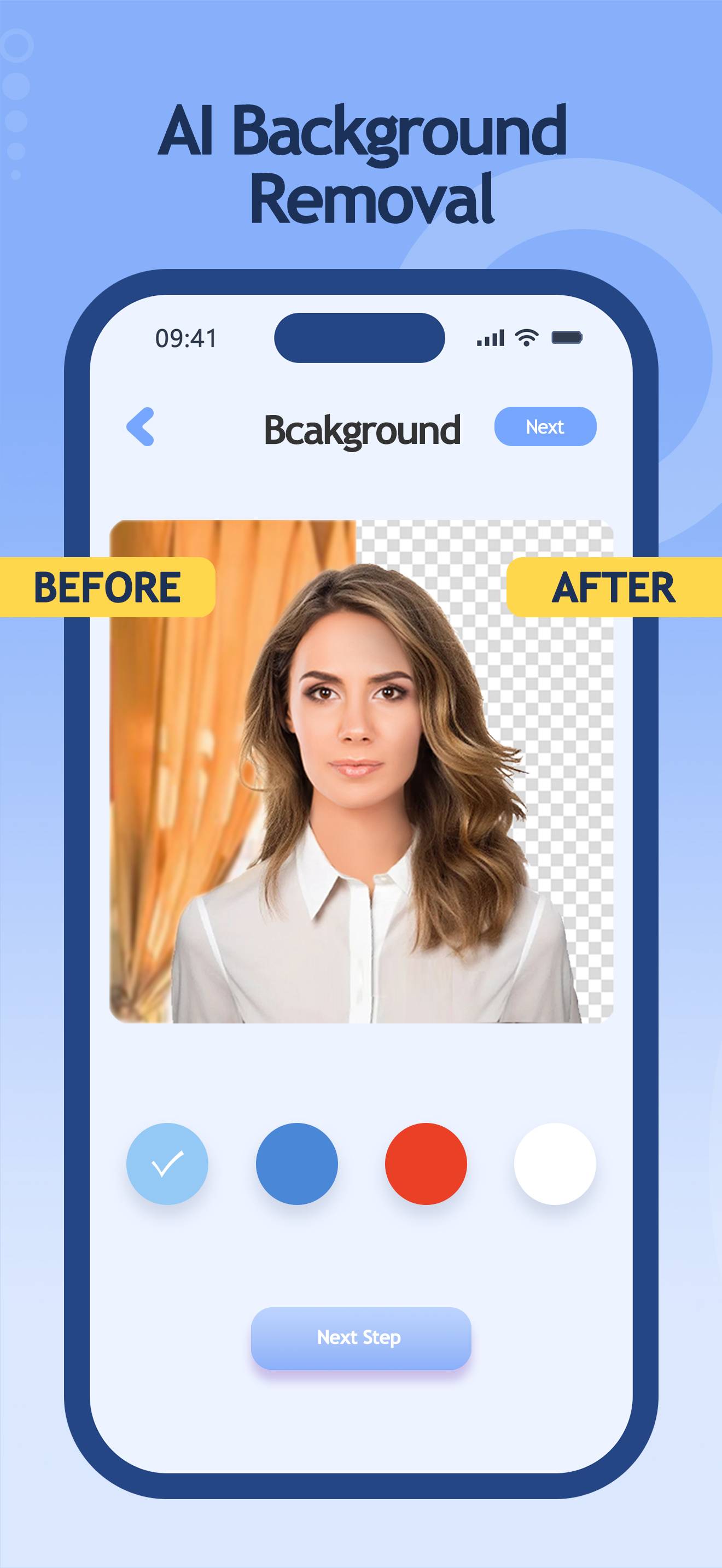
- One-tap AI background removal: the background is cut out automatically and replaced with a standard background color.
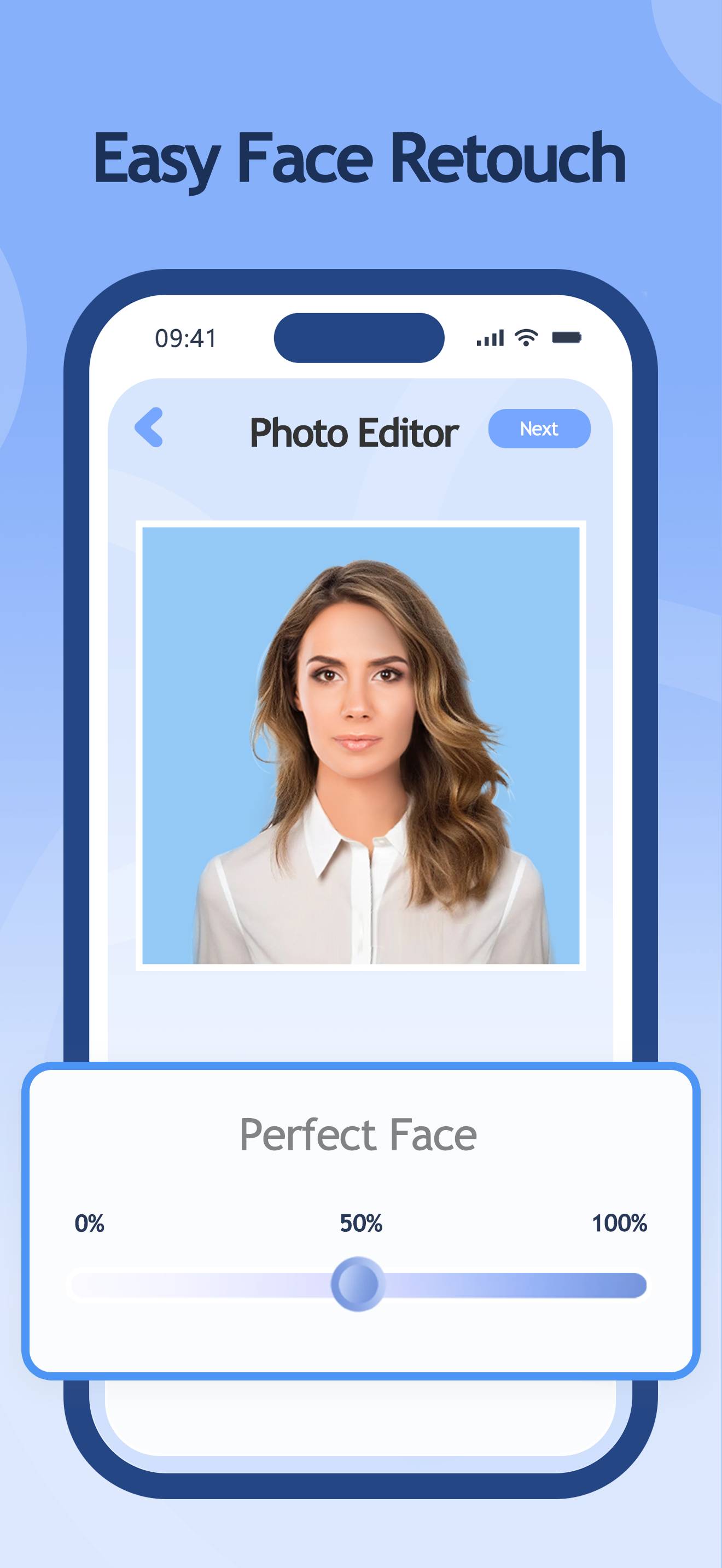
- AI retouching: optional skin smoothing, eye brightening, and whitening, with adjustable intensity.
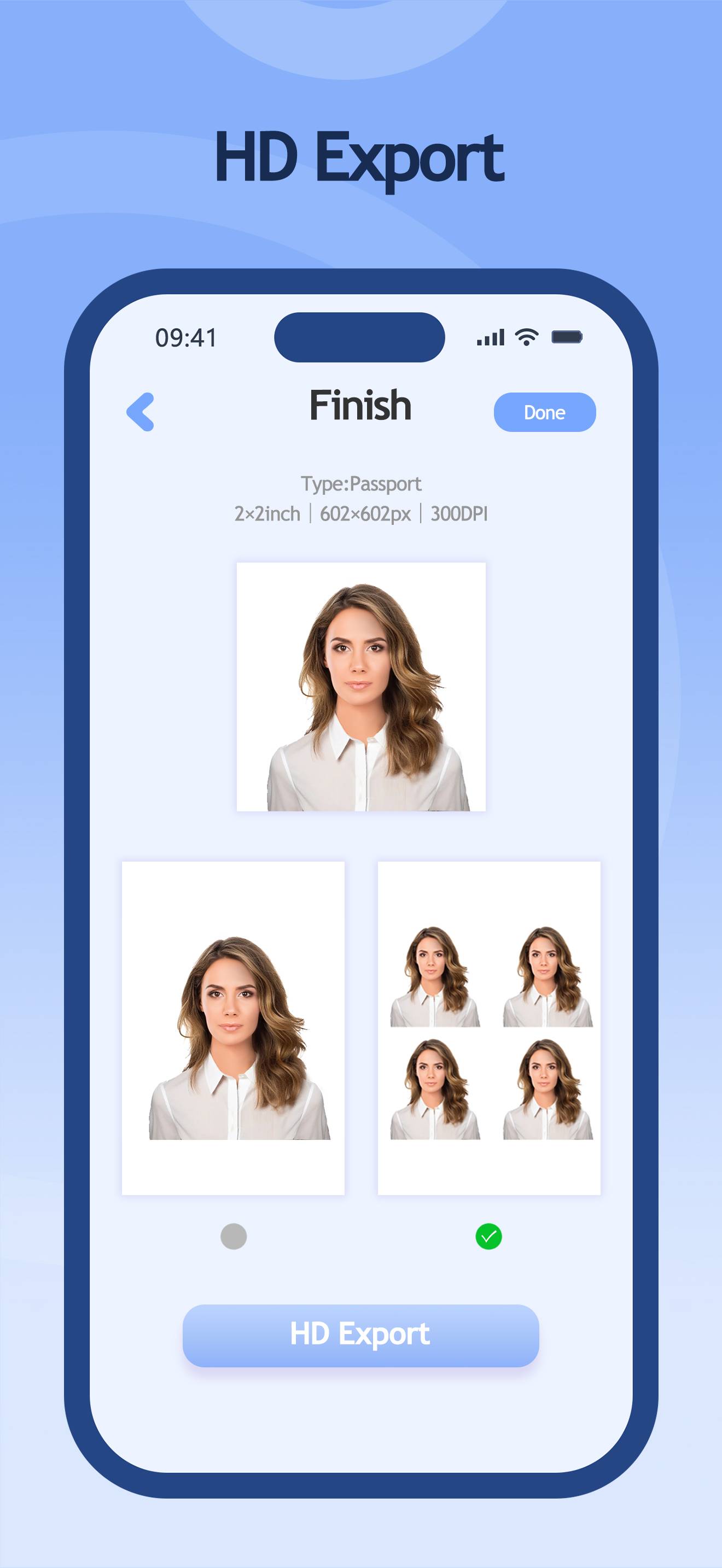
- High-resolution export: photos export at high resolution without compression.
- Print layout: arrange multiple copies on a 6×4 inch sheet for printing at home or at a photo kiosk.
How it works
- Choose a size from the country and document presets, or enter custom dimensions.
- Take a photo in the app or upload one from your library.
- Choose a background color, then export the finished high-resolution photo.
Who it's for
Passport Photo Maker is built for people who need a document photo without going to a studio: travelers preparing passport and visa applications, students making student-ID or resume photos, job seekers who need a CV headshot, and anyone who would rather not pay for a passport photo. It is free to use in every supported country.
Pricing
Passport Photo Maker is free and ad-supported. You can export photos in high resolution for free after watching an ad. There is no subscription and there are no in-app purchases.
Are my photos uploaded?
Take a photo or select one from your library. Photo editing, background removal and retouching happen on your device; photos are not uploaded to our servers or third-party services. Advertising, analytics and crash diagnostics are separate; see the privacy policy.
Screenshots
Frequently asked questions
Is Passport Photo Maker free?
Yes. Passport Photo Maker is free to use, and you can export high-resolution photos for free after watching an ad. There is no subscription and no in-app purchases.
What photo types does it support?
It supports passport, visa, national ID, driving licence, student ID, resume, residence and work permit photo uses. Available options vary by region and app version; custom dimensions are also supported.
Can it remove or change the photo background automatically?
Yes. It uses AI to remove the background in one tap and lets you switch to a standard background color.
Does it work on iPhone and Android?
Yes. It is available on the App Store for iOS and on Google Play for Android.
What can I use the photos for?
You can use them for passports, visas, student IDs, resumes and CVs, graduation photos, and driver's licenses, among other documents.
How many steps does it take to make a photo?
Three. You choose a size, take or upload a photo, and choose a background color, then export the result.
Does it include photo retouching?
Yes. It offers AI retouching such as skin smoothing, eye brightening, and whitening, with adjustable intensity.
Can I print several photos on one sheet?
Yes. You can arrange multiple photos on a 6×4 inch sheet for printing.